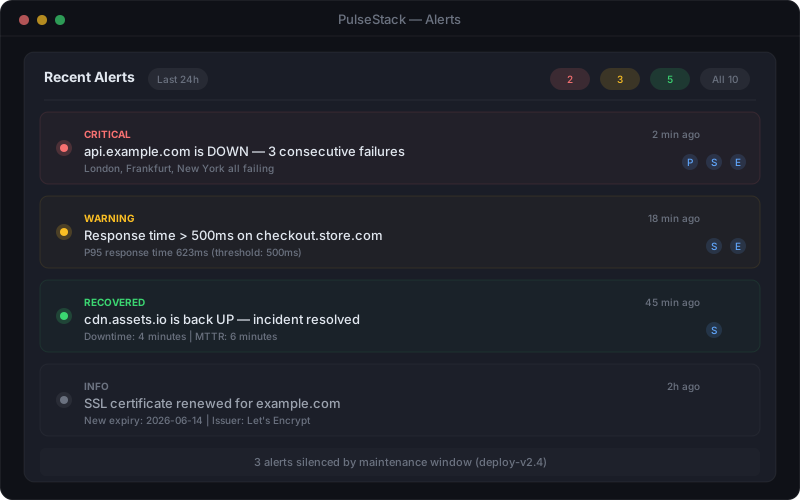
Alert fatigue occurs when engineers receive so many monitoring notifications that they begin ignoring them. The pattern is predictable: a team sets up comprehensive monitoring, configures alerts for every possible failure condition, and within weeks the Slack channel is flooded with hundreds of notifications per day. Engineers start muting channels. Email filters archive alerts automatically. Pages go unacknowledged. Eventually, a genuine production incident arrives buried in the noise, and nobody notices until customers start complaining.
This is not a hypothetical problem. Studies across the healthcare and technology industries consistently show that when alert volumes exceed manageable thresholds, response rates collapse. In monitoring specifically, teams that receive more than fifty non-actionable alerts per day typically see acknowledgement rates drop below 30%. The alerts that should trigger immediate investigation are lost in a sea of warnings that require no action.
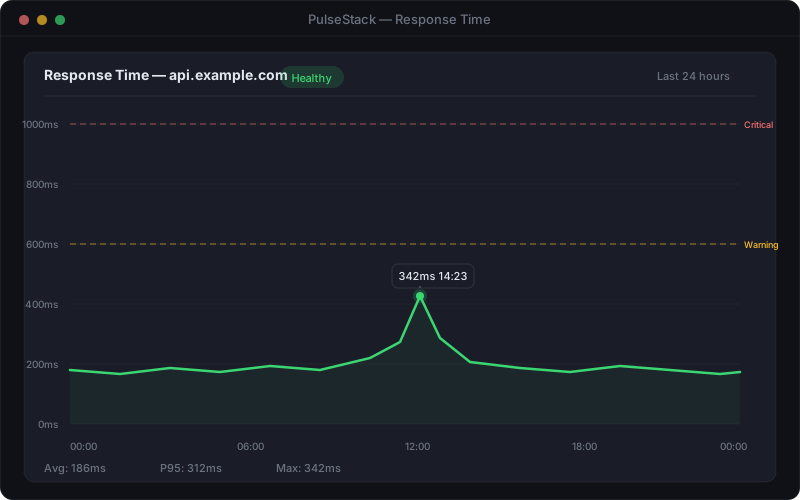
The root cause is almost always the same: alerts configured around what might be wrong rather than what requires human intervention. A CPU spike to 85% for thirty seconds does not need an engineer's attention. A disk at 72% capacity does not require a midnight page. A single failed health check that recovers on the next poll is noise, not signal. Yet these are exactly the kinds of conditions that most default monitoring configurations will alert on.
The consequences extend beyond missed incidents. Alert fatigue erodes trust in the monitoring system itself. When engineers learn that most alerts are false positives, they rationally stop treating any alert as urgent. Rebuilding that trust -- convincing a team that the next page is real and worth investigating -- is far harder than setting up the alerts correctly from the start.
Effective website monitoring is not about generating the most alerts. It is about generating the right alerts -- notifications that are actionable, timely, and trustworthy. The goal is a system where every alert that reaches an engineer represents a genuine problem that requires their attention, and no genuine problem goes undetected.