WordPress powers something close to two in five websites, which means the failure modes are well documented, widely shared, and still catch people out every single week. The reason is structural. A typical WordPress install is not one application: it is a core platform, a theme, and somewhere between fifteen and sixty plugins, each written by a different author, each updating on its own schedule, each capable of taking the whole site down on a Tuesday afternoon without anyone touching a line of code.
That is a very different reliability profile from a static site or a purpose-built application. A bespoke app fails when you change it. A WordPress site fails when somebody else changes something, and you find out later. Add automatic background updates, a shared hosting environment you do not control, and a database that grows quietly for years, and you have a platform where the gap between "something broke" and "somebody noticed" is routinely measured in days.
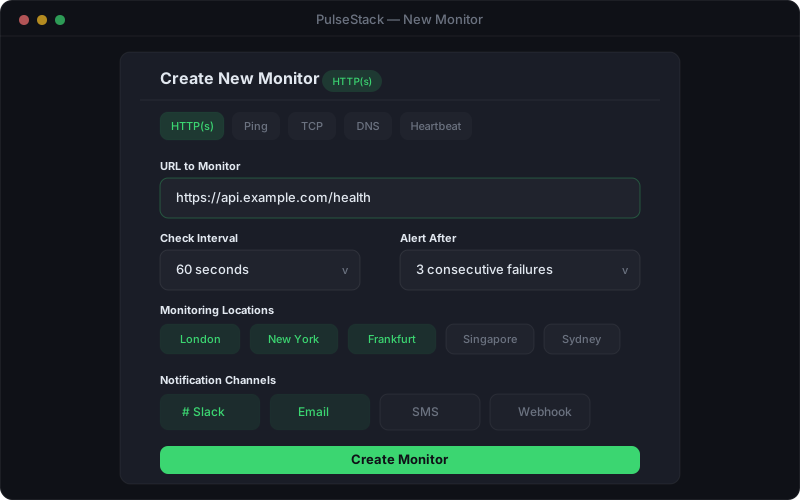
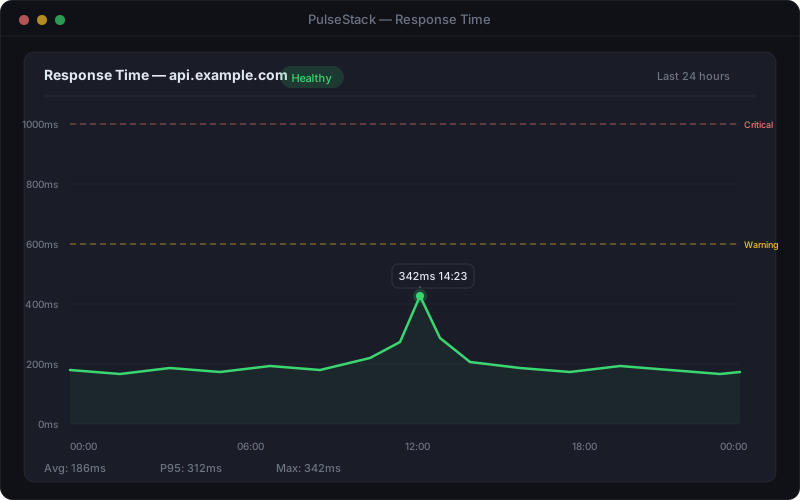
The gap matters most for the people who least expect it. A small business owner whose site is also their storefront. A marketing team whose organic traffic funds the department. An agency running forty client sites, where a silent failure on one of them becomes an awkward phone call three weeks later. In every case the fix is the same, and it is not a plugin: it is external monitoring that watches the site the way a visitor and a search engine would.
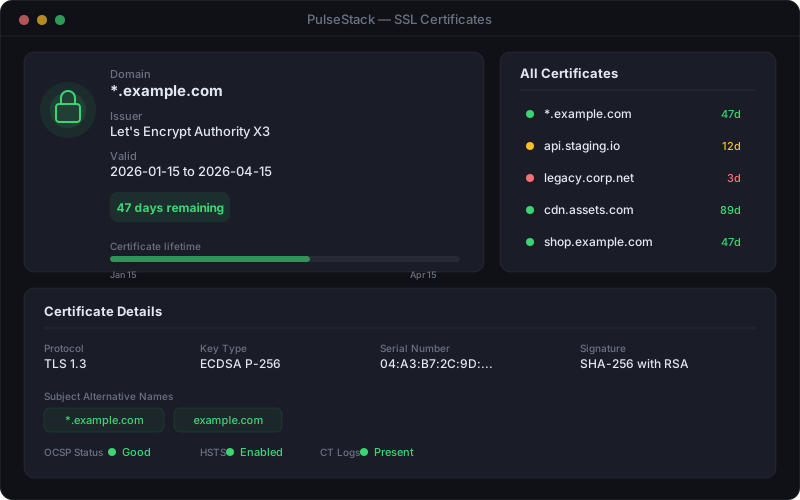
This guide covers what to monitor on a WordPress site, why the standard uptime check misses the most common WordPress failures, and how to build a setup that gives you warning rather than hindsight.